625 templates and growing
Ready-made sections for Elementor
Pick a section, choose its style, and paste it into your page. It arrives already styled, with motion and effects built in.
- No Elementor Pro needed
- Styles built in
- Motion and effects included
Try it: change the colour, border and corners. This is a real template.
Heroes
Features
Pricing
Testimonials
Toggles
Tickers
Hover cards
Counters
Headers
Footers
Heroes
Features
Pricing
Testimonials
Toggles
Tickers
Hover cards
Counters
Headers
Footers
From library to your page in under a minute
01
Pick a template
Browse by category or search. Open any template to see it live.
02
Choose your style
Set the colour, border, corners, motion and buttons. The live view updates as you click.
03
Paste into Elementor
Press Copy, then in Elementor right-click and choose Paste from other site. That’s it.
See each control in action
Pick a control to watch it work. Border and corners are free on every template. Pro adds button styles and motion.
Pro gives you more control: more button styles, adjustable motion and interactive templates, written into everything you copy.
Looks right on a phone without extra work
Every template is built to reflow for tablets and phones. This is an example page made from eight templates, and it is live: scroll it, and tap a question near the bottom to open it.
- Checked at desktop, tablet and phone widths
- Nothing scrolls sideways
- Try any template at phone width in the library
A few of the 625 templates
Every one comes in black and white, and follows the styles you choose.
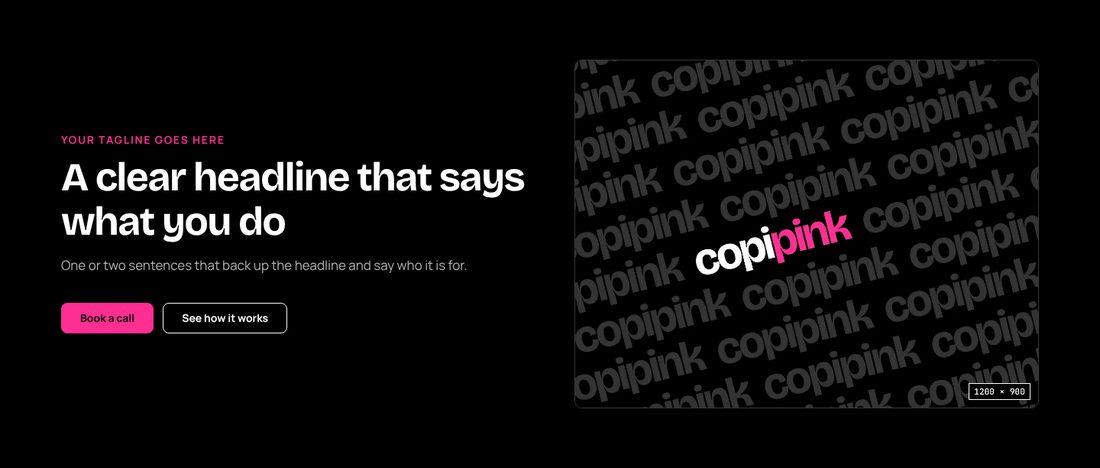
Hero 04
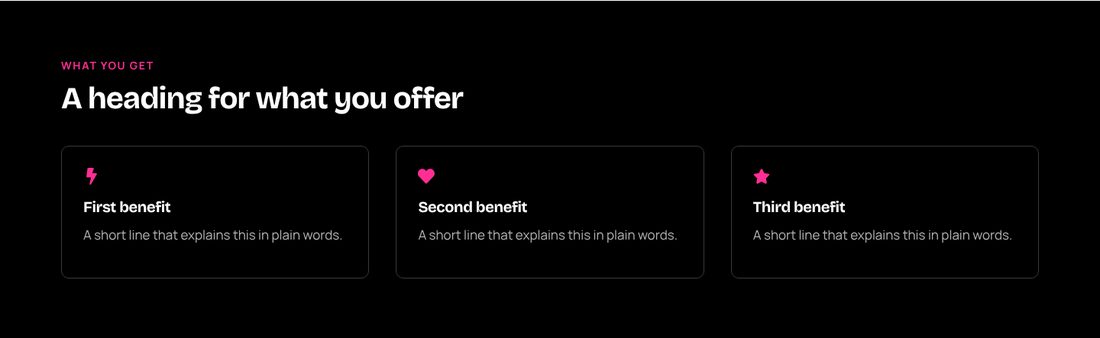
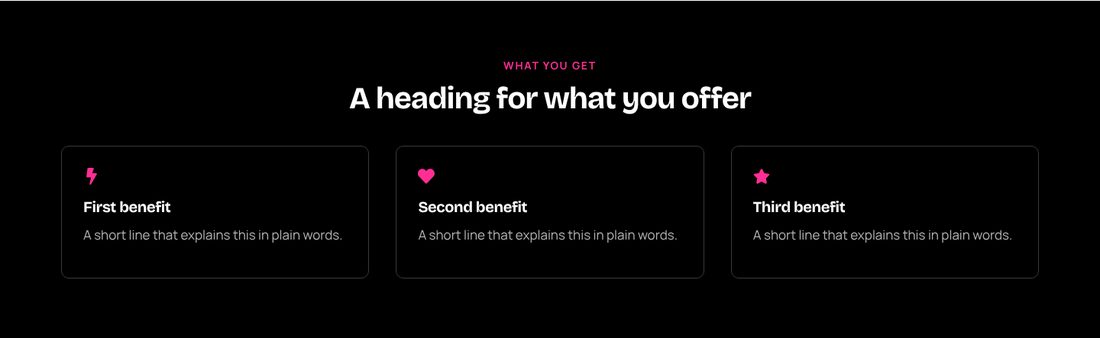
Icon box 01
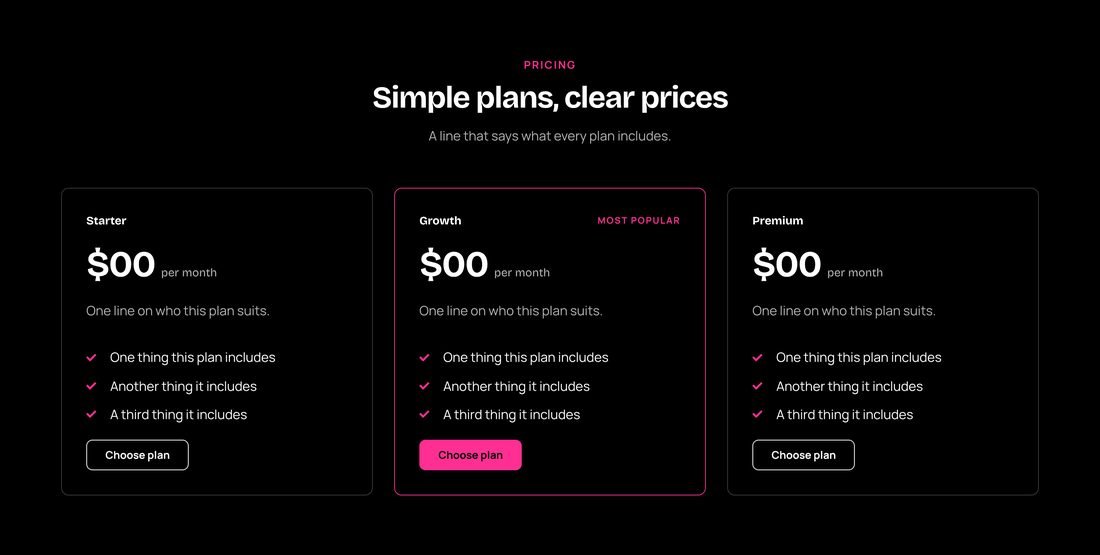
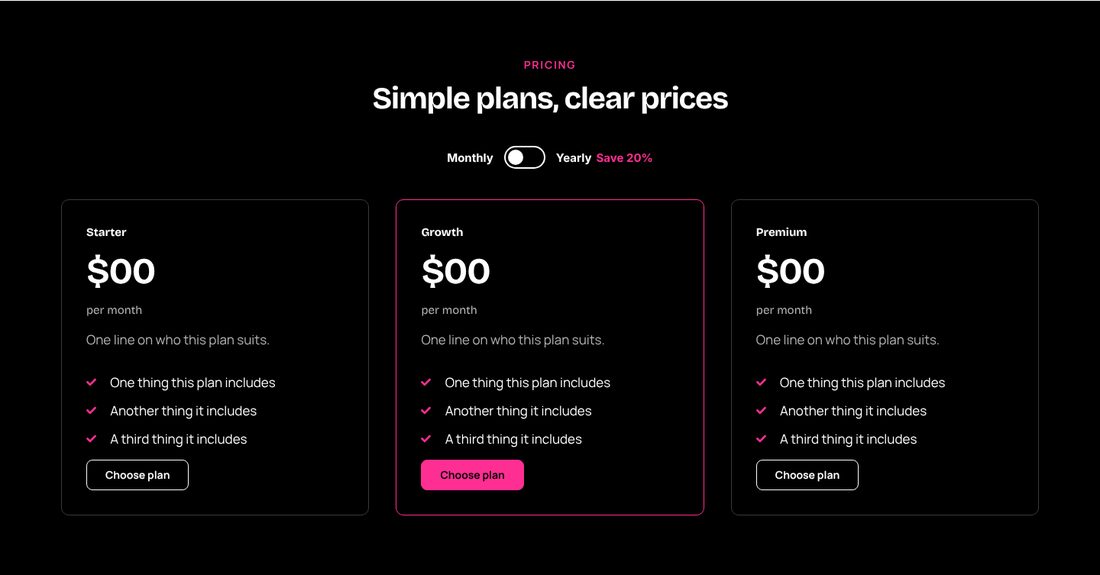
Pricing 01
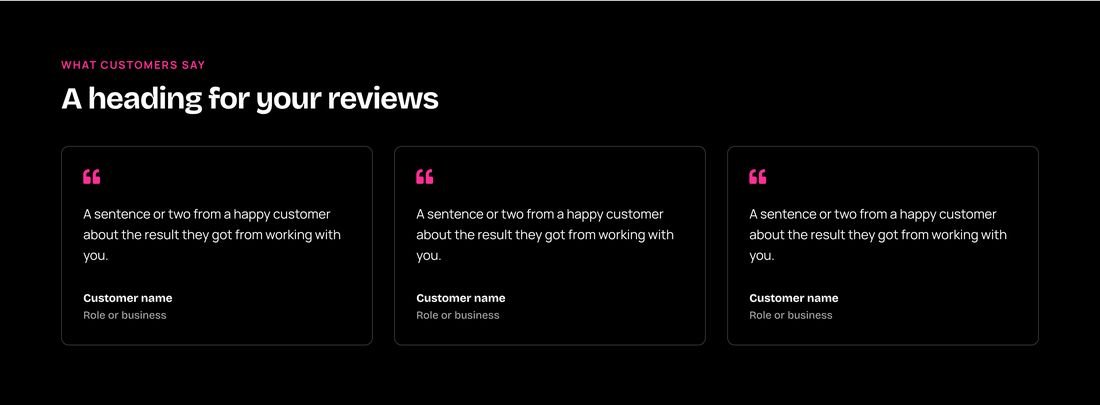
Testimonials 01
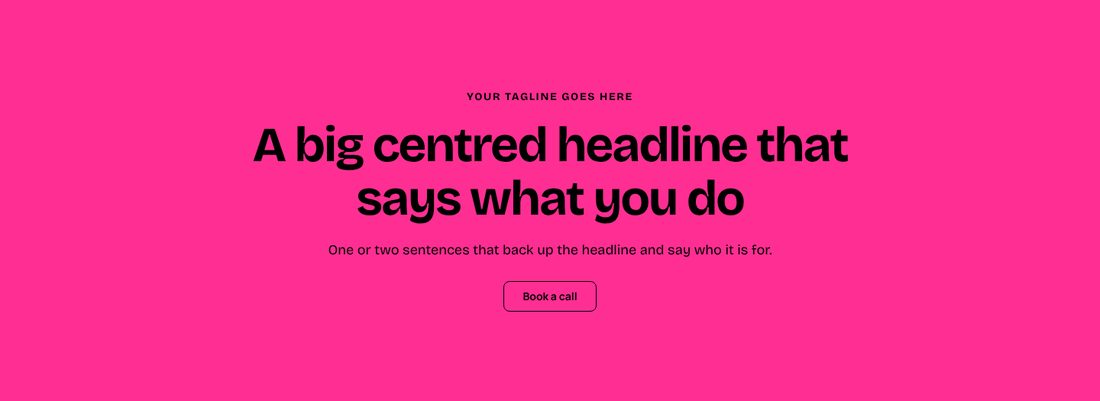
Hero 42
Toggle 01
Hover cards 01
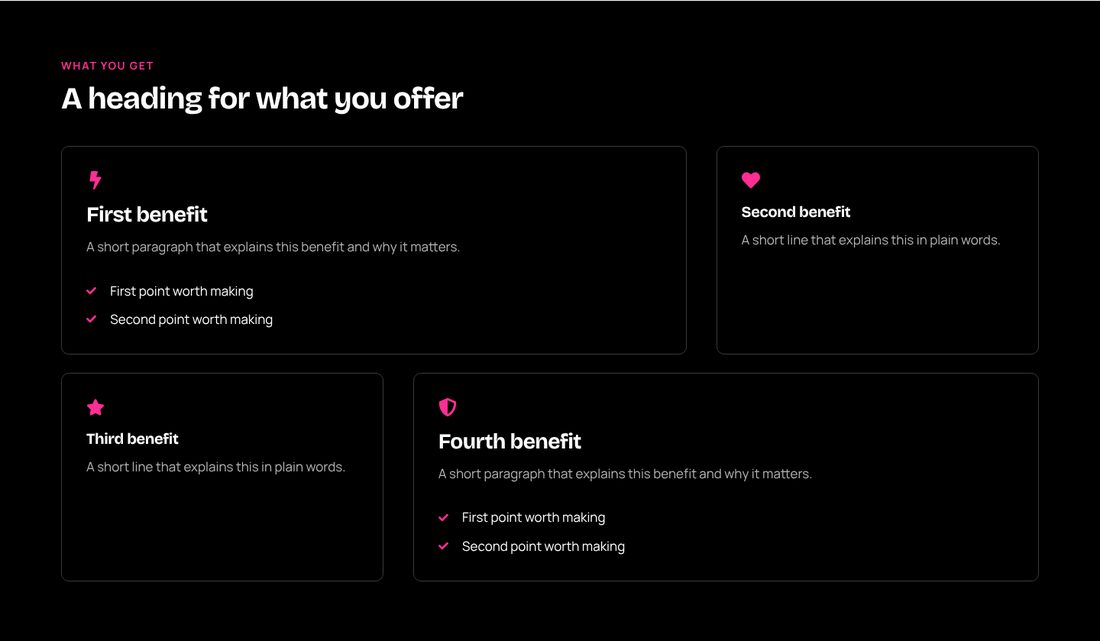
Bento 01

Counter 01
templates, with more added as we build
categories, from heroes to footers
button styles with Pro
Style every template your way: colour, border, corners, buttons and motion.
Start free. Unlock everything when you're ready.
Free
No payment needed
$0
for as long as you like
What's included
- 50 templates
- No Elementor Pro needed
- Colour, border and corner styles
- Live view to try before you copy
- Use on unlimited sites
- Motion in everything you copy
- Ten button styles
- Interactive templates
- New templates as they're added
Pro
Monthly or yearly
US$20
US$189
a month
a year, about US$15.75 a month
What's included
- Every template, 625 and growing
- No Elementor Pro needed
- Colour, border and corner styles
- Live view to try before you copy
- Use on unlimited sites
- Motion in everything you copy
- Ten button styles
- Interactive templates
- New templates as they're added
Lifetime
One payment, yours for good
US$299
one payment
What's included
- Every template in the library the day you join
- No Elementor Pro needed
- Colour, border and corner styles
- Live view to try before you copy
- Use on unlimited sites
- Motion in everything you copy
- Ten button styles
- Interactive templates
- New templates as they're added
Answers before you start
Do I need Elementor Pro?
No. Every template is built with the free version of Elementor and works without Elementor Pro or any add-on.
How do I use a template?
Press Copy in the library. In Elementor, right-click where you want it, choose Paste from other site, then press Ctrl+V (Cmd+V on a Mac). You can also download each template as a file and import it.
What do I get for free?
50 templates, in black and white, with your choice of border and corners, and the live view to try them first. You need a free account, which asks only for your name and email.
What does Pro add?
Every template, including the interactive ones, plus motion and ten button styles written into whatever you copy, and new templates as they are added.
What is the difference between Pro and Lifetime?
Pro is paid monthly or yearly and includes every new template as it is added. Lifetime is one payment for everything in the library on the day you join; templates added later are not included.
Can I use templates on client sites?
Yes. Use them on as many sites as you like, your own or your clients’.